Hardware used
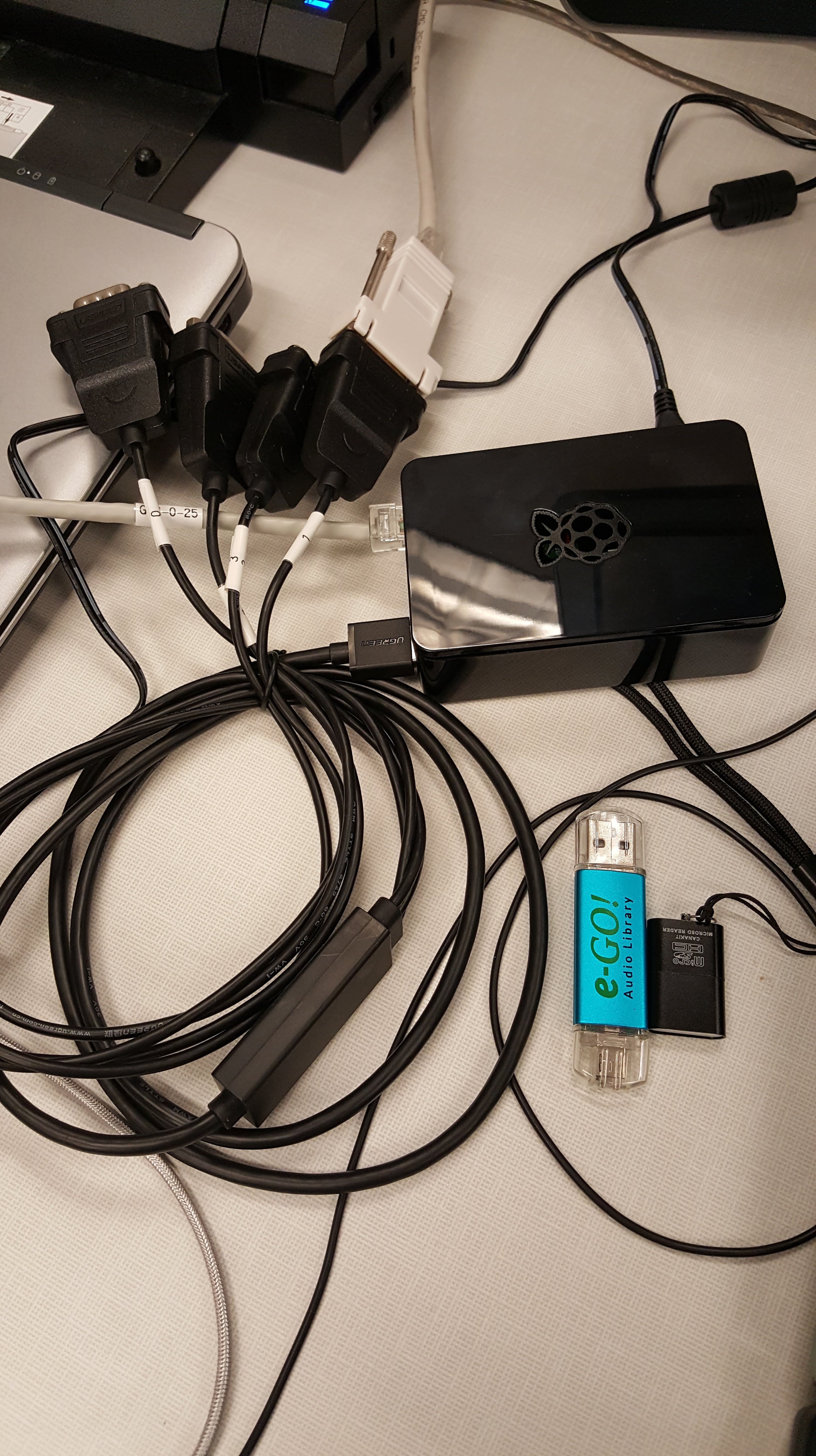
Raspberry PI 3B+ you could also use a Pi Zero W, I already had the PI
Sceptre E205W-1600 2020 20″ 75Hz
VideoSecu LCD LED Monitor TV Wall Mount
Short HDMI cable
Software used
Raspbian
Eye of Gnome
SFTP to map a drive to my Chromebook so I can just take new photos and drag them over into the folder.
SWISH installed on a windows PC or SFTP NET Drive so you can use SFTP like a mounted drive and and not install anything else on the Pi. Not something I needed but its here in case I change my mind or someone else wants an idea.
Pricing out a twenty inch digital picture frame on Amazon they were in the $200 to $300 range. I put this together for under $125. It also lets me use wireless to move pictures into or out of the slideshow.
Change Eye of Gnome to set the time delay for the slideshow. Added eog-plugins to be able to randomize the slideshow.
gsettings set org.gnome.eog.fullscreen seconds N <N= number of seconds between slides>
sudo apt-get install eog-plugins
Edited crontab -e to start and stop the slideshow on a schedule. vcgencmd is used to start and stop output on the HDMI port starting at 8 AM and stopping at 9 PM. I Used Crontab Guru online tool to help set the times. The vgencmd commands are to turn the display off at 9 PM and turn it back on at 8 AM, then at 8:01 start the slideshow.
0 8 * * * vcgencmd display_power 1 <Turns the screen back on at 8AM>
1 8 * * * /home/pi/scripts/display.sh
0 21 * * * vcgencmd display_power 0 <blanks the screen at 9PM>
Wrote a couple scripts to start the slideshow. Make the scripts executable “chmod 755 <script.sh>” and put all the scripts in a folder named scripts.
display.sh
DISPLAY=:0.0 /home/pi/scripts/runslideshow.sh
runslideshow.sh
eog –slide-show /media/Slides/
Used screen to run testing of the scripts.
screen -ls to list screens
screen -r <screen number> to reattach to a screen
The screensaver would kick on after a while and the temperature would go to 84.9’C or higher sometimes. So I disabled the screensaver completely in the GUI. the problem seems to have gone away with that change.


Things to do.
Make a wooden frame for the TV so it looks like a picture frame?
Clean up the power cables

 I bought this switch from Amazon its listed as the wireless garage door opener remote WiFi switch universal.
  The instructions are a bit weak so I’m unsure what that red wire is for, I’m just going to cap it off for now. Even the instructions on the back of the device seem a bit unclear. The paper that came inside the box had the usual small print that required a magnifying glass and just wasn’t clear. It turns out using the red and black wire connected to a 9-30V DC power supply this can be run without the AC connection I tested with.
 A will be for the positive to the garage door opener and Com to the negative. You can use B and Com for a second door and C and Com for a third door or gate. However you only get one open and close indicator for all three. I’m going to use this to replace the wall switch for the garage door and give me the option to use WiFi to open and close the door as well as monitor the status of the door. I also ordered a type 86 wall junction box to put this in and mount it to the wall.




 Online home of Jon